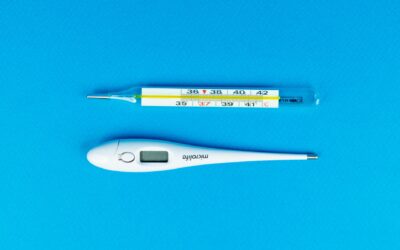
To clean a digital thermometer, wipe the probe with a soft cloth dampened with isopropyl alcohol (70% or higher) or a mild soap and water solution, then dry it thoroughly before storing. This simple step removes bacteria and residue without damaging the electronics. Knowing how to clean a digital thermometer correctly is essential for maintaining hygiene and ensuring reliable temperature readings, especially when the device is used by multiple people.
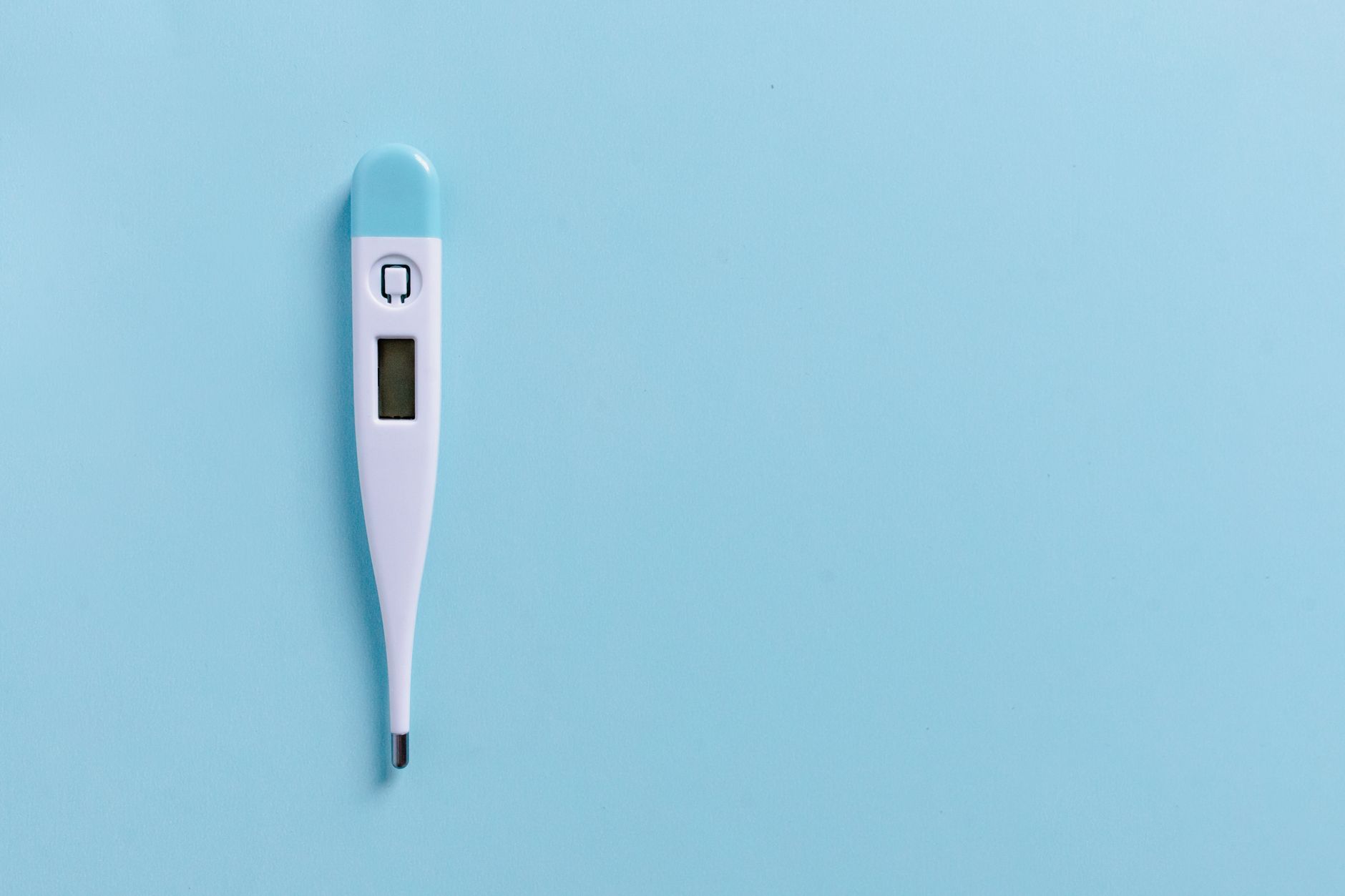
Why You Need to Clean Your Digital Thermometer
Digital thermometers come into direct contact with skin, saliva, or mucous membranes, making them a prime surface for bacteria and viruses. If you do not clean the probe after each use, germs can transfer to the next person, potentially causing illness. Regular cleaning also prevents buildup of dirt or earwax (in the case of ear thermometers) that can skew readings.
Even if the thermometer looks clean, microscopic contaminants remain. Many digital thermometers are water-resistant but not waterproof, so improper cleaning can damage the internal components. Understanding the correct method protects both your health and the device’s lifespan.
What You Will Need
Gather a few basic supplies before you start. You need isopropyl alcohol (70% or higher concentration), a soft lint-free cloth or cotton ball, and a small bowl or cup. Avoid using paper towels, which can leave fibers on the probe, or abrasive cleaners that may scratch the sensor.
For thermometers used rectally or orally, consider using a dedicated cleaning solution or a mild dish soap diluted in water. Never submerge the entire thermometer in liquid unless the manufacturer explicitly states it is waterproof. Most digital thermometers are only splash-resistant.
Step-by-Step Cleaning Process
Start by turning off the thermometer and removing the battery if possible. This prevents accidental activation and protects the electronics. Dampen a soft cloth or cotton ball with isopropyl alcohol, then gently wipe the entire probe, including the tip and the shaft up to the handle. For oral or rectal thermometers, pay extra attention to the tip.
If you are using soap and water, dip the cloth in the solution and wring it out so it is barely damp. Wipe the probe thoroughly, then rinse the cloth with clean water and wipe again to remove any soap residue. Finally, dry the probe with a fresh dry cloth or let it air dry completely before storing.
For ear thermometers, the probe tip is often covered by a disposable lens cover. Remove and discard the cover after each use, then wipe the sensor area with alcohol as described above. Never insert a wet probe into the ear canal.
How Often Should You Clean It?
Clean the thermometer before and after every use, especially if it is shared among family members. For personal use, a quick alcohol wipe after each reading is sufficient. If the thermometer is used rectally, clean it immediately after use with a dedicated cloth that is not used for other purposes.
Deep cleaning with soap and water is recommended once a week if the thermometer is in regular use. Store the thermometer in its protective case when not in use to keep dust and debris off the probe. Always check the manufacturer’s instructions, as some models have specific cleaning requirements.
What to Avoid When Cleaning
Never use bleach, hydrogen peroxide, or harsh chemicals on a digital thermometer, as they can corrode the metal probe or damage the plastic casing. Do not boil the thermometer or put it in the dishwasher, even if it seems sturdy. High heat can warp the sensor and render the thermometer inaccurate.
Avoid using abrasive sponges or scrubbers, which can scratch the probe surface and create tiny grooves where bacteria can hide. Also, do not use excessive liquid; if moisture seeps into the battery compartment or electronic board, the thermometer may stop working permanently.
How to Fix or Prevent Common Issues
If your digital thermometer starts giving inconsistent readings, a dirty probe is often the culprit. Clean it thoroughly with alcohol and let it dry completely. If the thermometer still malfunctions, the battery may need replacing or the sensor may be damaged.
To prevent issues, always store the thermometer in a dry place at room temperature. Avoid dropping it, as impact can misalign the internal sensor.
Frequently Asked Questions
Can I use hand sanitizer to clean a digital thermometer?
Hand sanitizer typically contains 60-70% alcohol, which is effective for cleaning the probe in a pinch. However, it often includes moisturizers or gels that leave a sticky residue, so it is better to use plain isopropyl alcohol for a thorough clean.
Is it safe to clean a digital thermometer with vinegar?
Vinegar is a mild disinfectant but can be too acidic for some thermometer materials. It may dull the plastic or corrode the metal probe over time. Stick to isopropyl alcohol or mild soap and water for consistent safety.
How do I clean a thermometer that is not waterproof?
For non-waterproof models, use a cloth dampened with alcohol rather than spraying or submerging the device. Wring the cloth until it is barely moist, then wipe the probe gently. Avoid getting any liquid near the display or battery compartment.
Can I clean the thermometer with a baby wipe?
Baby wipes are not recommended because they contain lotions and fragrances that can leave a film on the probe. This residue may interfere with temperature readings or attract more dirt. Use alcohol or soapy water instead.
How often should I replace my digital thermometer?
Most digital thermometers last for several years if handled correctly. Replace the thermometer if it becomes cracked, if the battery leaks, or if readings seem consistently off after cleaning. Some manufacturers recommend replacement every two to three years for accuracy.
Related Guides
- Best Digital Thermometers
- Digital Thermometer Not Working
- Digital Thermometer Showing Different Readings
- Best Thermometers for Kids in 2026
Final Thoughts
Cleaning a digital thermometer is a quick, simple task that protects your health and extends the device’s life. Use isopropyl alcohol or mild soap, wipe the probe after each use, and store it properly.