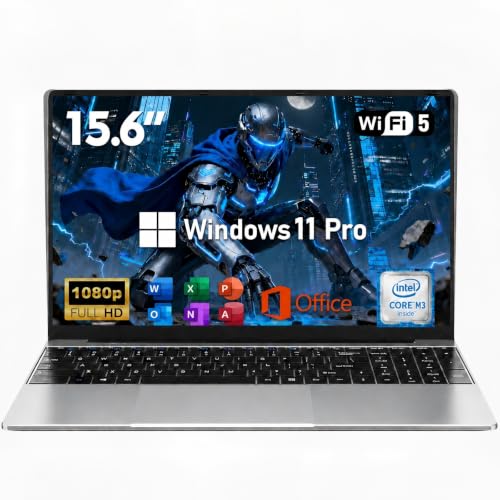
Finding a business laptop that runs Linux flawlessly can be a challenge. You need hardware that supports every driver, works with your workflow, and delivers the reliability you expect from a professional machine. Whether you are a software developer, a system administrator, or a data scientist, the right Linux laptop can make all the difference. In this guide, we have evaluated the top options available in 2026 that come with pre-installed Linux distributions or offer exceptional compatibility. Our picks focus on performance, build quality, and long-term support. If you are also exploring options for remote setups, check out our Best Business Laptops for Remote Work in 2026 for additional insights.




Buying Guide: What to Look for in a Linux Business Laptop
Processor and Performance
The CPU is the heart of any Linux machine. For compiling code, running virtual machines, or handling large datasets, you want a processor with multiple cores and high clock speeds. Intel Core i5 and i7 processors, as well as AMD Ryzen 7 chips, are excellent choices. They provide the horsepower needed for multitasking without thermal throttling. Look for models with at least 16GB of RAM to keep your workflow smooth.
RAM and Storage
Linux distributions are efficient, but modern development tools and containers demand memory. A minimum of 16GB RAM is recommended, and 32GB is ideal for heavy workloads. For storage, NVMe SSDs offer lightning-fast read and write speeds, reducing boot times and application load times. Consider models with expandable storage if you handle large files or multiple projects. For more advice on balancing performance and budget, read our Best Business Laptops for Heavy Workloads in 2026.
Display Quality and Ergonomics
Long coding sessions require a display that reduces eye strain. Full HD (1920×1080) resolution with anti-glare coating is a must. IPS panels provide wide viewing angles and accurate colors. TÜV Rheinland Low Blue Light certification is a bonus for those who work late. A comfortable keyboard with good key travel and a responsive touchpad are equally important. If you often work from different locations, check our Best Business Laptops for Home Office in 2026 for portability tips.
Linux Compatibility and Pre-Installed OS
The easiest way to avoid driver headaches is to choose a laptop that ships with Linux pre-installed. Distributions like Linux Mint, Ubuntu, and Fedora are well-supported. Lenovo and Dell offer models with verified compatibility. Check for hardware components like Wi-Fi chips and fingerprint readers that have open-source drivers. A laptop with a privacy shutter and robust security features (like TPM 2.0) adds an extra layer of protection for business use.
Final Thoughts
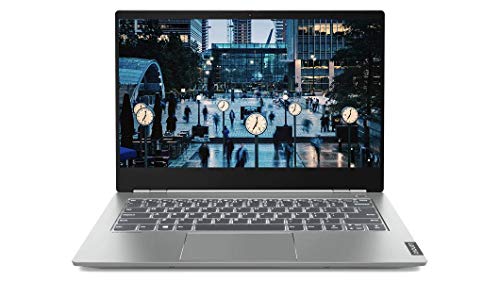
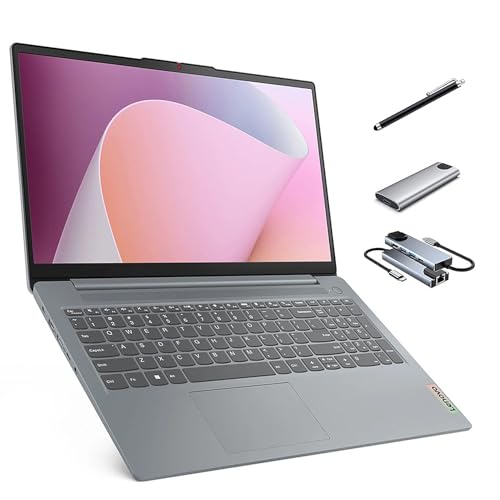
Choosing the best business laptop for Linux ultimately comes down to your specific needs. For a balance of affordability and solid performance, the Lenovo Business Laptop – Linux Mint (Cinnamon) offers a reliable Intel i5 processor, 16GB RAM, and a crisp 15.6-inch display. If you require more power and storage for demanding tasks, the Lenovo Thinkbook 13s Premium Business Ultrabook with a 1TB SSD and 32GB RAM is a fantastic choice. Both models come with Linux pre-installed and are built to handle your daily workflow with ease.
Frequently Asked Questions
Can I install Linux on any business laptop?
Yes, most business laptops can run Linux, but compatibility varies. Look for models with Intel or AMD processors and avoid proprietary hardware that lacks open-source drivers. Laptops with pre-installed Linux, like those from Lenovo and Dell, guarantee a smooth experience. For a deeper dive, see our best business laptops for office work.
What is the best Linux distribution for business laptops?
Linux Mint and Ubuntu are popular choices because of their user-friendly interfaces and strong hardware support. Fedora is also excellent for developers who want the latest software. The best distribution depends on your familiarity and the specific tools you use.
How much RAM do I need for Linux development?
For light development, 8GB is sufficient, but 16GB is recommended for running multiple containers, IDEs, and virtual machines. If you work with large datasets or complex simulations, 32GB or more will prevent slowdowns.
Are Lenovo laptops good for Linux?
Yes, Lenovo offers several models with pre-installed Linux and excellent driver support. The ThinkPad and IdeaPad series are widely used in the Linux community. Dell also provides certified Ubuntu laptops through its XPS and Latitude lines.