🔥 TV Black Friday Deals 2026: picks worth watching →
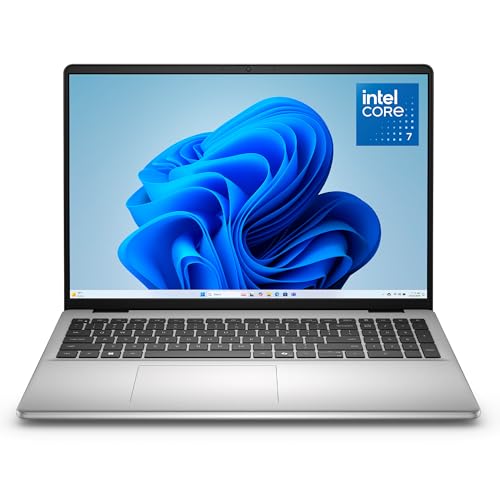
Imagine juggling a full day of classes, client meetings, and creative projects without your laptop slowing down. The Microsoft Surface Pro line has long been the go-to for those who need both a powerful laptop and a portable tablet. In this Microsoft Surface Pro review, we break down the two latest models to help you decide which one fits your lifestyle. Whether you’re a student, a professional, or a digital artist, this guide covers the key differences to make an informed choice. If you’re also considering other versatile laptops, check out our dell 15 DC15250 review for a solid alternative.


Buying Guide: What to Look for in a Surface Pro
When choosing between the Surface Pro models, several factors matter beyond just the price tag. Here are the key criteria we evaluated to help you pick the right one.
Display Quality: OLED vs. LCD
The most noticeable difference between the two Surface Pro models is the display. The premium model features a stunning 13-inch OLED touchscreen with 120Hz refresh rate, delivering deep blacks and vibrant colors. The standard model uses a PixelSense LCD with HDR support, which still looks crisp but lacks the contrast of OLED.
If you’re into photo editing, streaming HDR content, or just love rich visuals, the OLED version is worth the upgrade. For everyday tasks like browsing and document work, the LCD is more than adequate.
Performance and AI Capabilities
Both models are powered by the Qualcomm Snapdragon X2 Plus processor, a 10-core chip designed for fast, efficient performance. They also include a dedicated AI chip that enables Copilot+ features on Windows 11, making tasks like real-time captioning and image generation seamless. This is a huge plus for anyone who uses AI tools regularly.
We observed that both handle 20+ browser tabs, video calls, and demanding apps without stuttering. The difference in day-to-day performance is minimal, so your choice should hinge on display and budget.
Battery Life and Portability
Battery life is a strong suit for both, with up to 15.5 hours of video playback. That means you can leave your charger at home for a full day of work or study. The devices weigh just under 2 pounds, making them incredibly portable.
Both include two USB-C/USB4 ports for fast charging and data transfer, and support for Wi-Fi 7. If you need to connect to multiple monitors, these ports have you covered with support for up to three 4K displays.
Keyboard and Accessories
The Surface Pro is a 2-in-1, but to use it as a laptop, you’ll need the Flex Keyboard, which is sold separately. Both models are compatible with the same keyboard and Surface Slim Pen, so your accessory investment carries over.
The built-in kickstand adjusts up to 165 degrees, giving you flexibility for drawing, presenting, or just watching movies. If you’re coming from a traditional laptop, you might want to factor in the cost of these extras. For more laptop comparisons, see our Dell 16 Touchscreen Laptop review.
Final Thoughts
Choosing between the two Surface Pro models comes down to your display preference and budget. If you crave the best visual experience for creative work and media consumption, go with the Microsoft Surface Pro (2026) with OLED, which offers richer colors and a smoother 120Hz refresh. For most users who want solid performance and value, the Microsoft Surface Pro (2026) with LCD is a smart pick, delivering the same powerful Snapdragon X2 Plus processor and AI features at a lower cost. Both are excellent 2-in-1 laptops that excel in portability and versatility, making them top contenders in the market this 2026.
Frequently Asked Questions
Is the Surface Pro good for everyday use?
Absolutely. The Surface Pro handles web browsing, streaming, office apps, and light creative tasks with ease. The Snapdragon X2 Plus processor ensures smooth multitasking, and the battery lasts through a full workday.
Can the Surface Pro replace a laptop?
Yes, especially with the Flex Keyboard attached. It becomes a full Windows laptop with a comfortable typing experience and trackpad. The only downside is that the keyboard is sold separately, so you’ll need to budget for it.
What is the difference between OLED and LCD versions?
The OLED version offers superior contrast, deeper blacks, and more vibrant colors, plus a 120Hz refresh rate for smoother scrolling. The LCD version is still bright and sharp but lacks the same depth. If you do color-critical work, OLED is worth the extra investment.
How does the Surface Pro compare to other laptops?
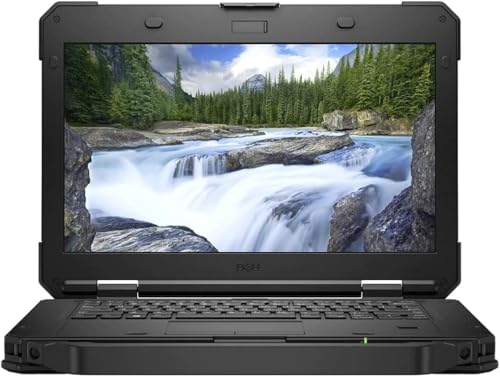
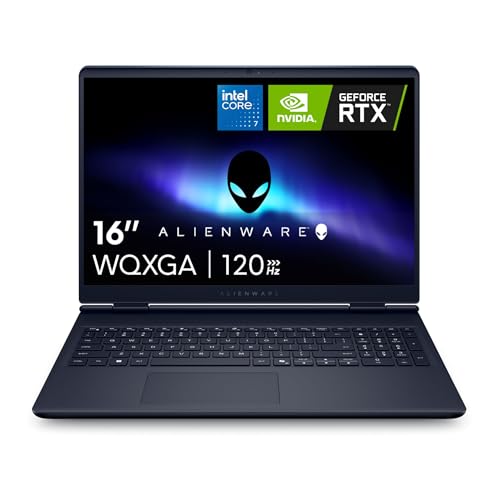
The Surface Pro stands out for its 2-in-1 design and portability. However, if you need a dedicated gaming laptop, you might consider something like the ASUS ROG Strix G18. For a more traditional business laptop, check out our dell latitude 5420 i7 review. Ultimately, the Surface Pro is ideal for those who value flexibility and touch interaction.
For more laptop insights, browse our laptops category and blog for the latest updates.