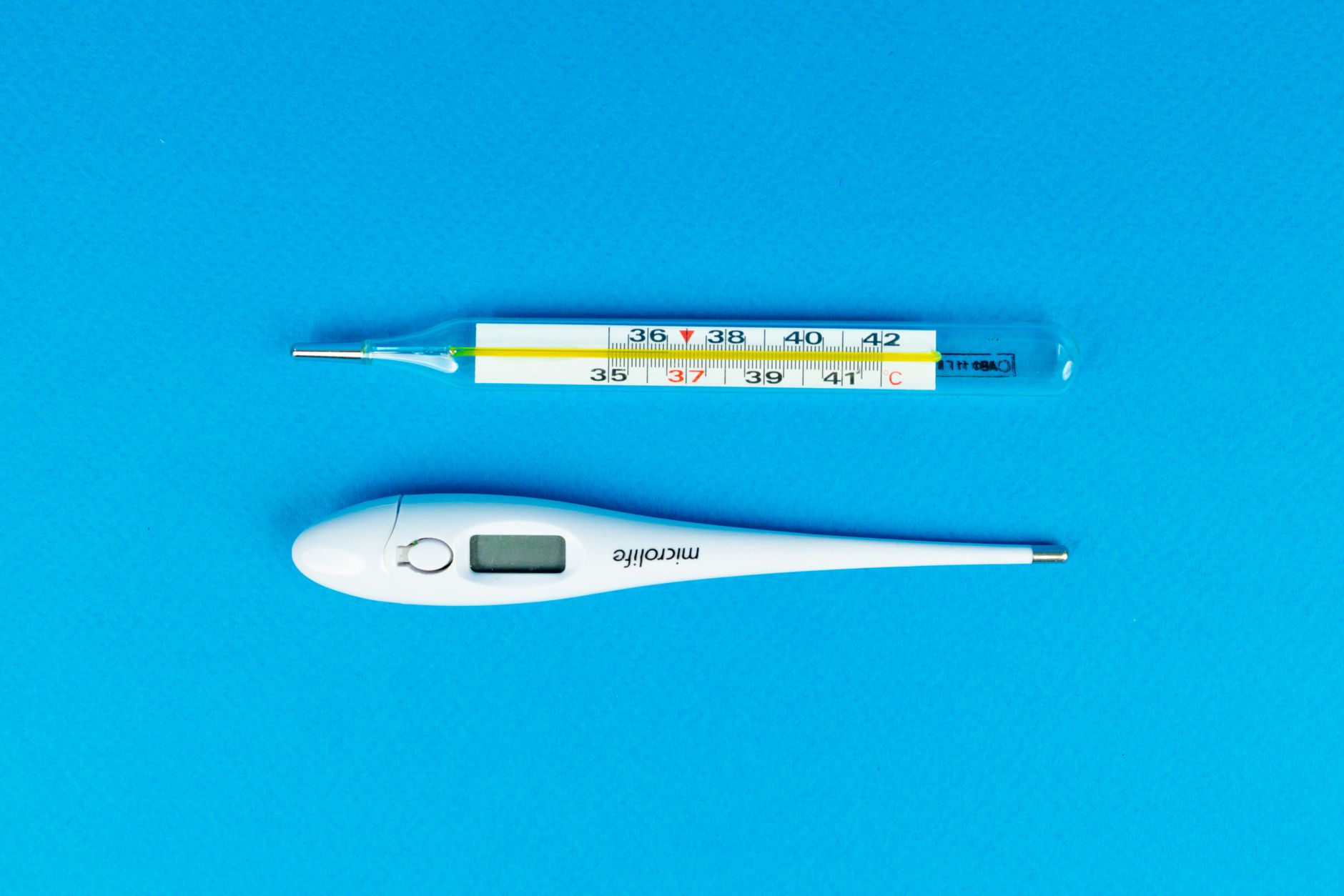
If your digital thermometer is not working, the most common cause is a dead or incorrectly installed battery. Digital thermometers rely on a small battery to power the display and sensor, and when that battery is low or the contacts are dirty, the device may show no reading, a blank screen, or erratic numbers. Other frequent causes include a dirty sensor, exposure to extreme temperatures, or a simple calibration issue. Before you replace the thermometer, checking these basics can often get it working again in minutes.
Dead or Low Battery
The battery is the most frequent culprit when a digital thermometer is not working. Most digital thermometers use a small coin cell battery, such as a CR2032 or LR41, which can drain even when the device is not in use. If the display is dim, flickering, or completely blank, replace the battery with a fresh one of the exact same type.
Also check the battery contacts for corrosion or dirt. A thin layer of oxidation can prevent the battery from making a solid connection. Gently clean the contacts with a dry cloth or a pencil eraser, then reinsert the battery. If the contacts are heavily corroded, the thermometer may need replacement.
Dirty or Blocked Sensor
The sensor on a digital thermometer is usually a small metal tip or a lens. If it is covered with dirt, grease, or moisture, the thermometer may give inaccurate readings or no reading at all. This is especially common with infrared ear or forehead thermometers, where the lens can become smudged.
To fix this, gently clean the sensor with a soft, dry cloth or a cotton swab slightly dampened with isopropyl alcohol. Avoid using abrasive cleaners or submerging the thermometer in water unless the manufacturer specifically says it is waterproof. Let the sensor dry completely before using the thermometer again.
Incorrect Placement or Usage
Even a working digital thermometer can give a false reading if it is not used correctly. For oral thermometers, the tip must be placed under the tongue and the mouth kept closed for the recommended time, usually 30 to 60 seconds. For infrared thermometers, the device must be held at the correct distance from the forehead or ear, as specified in the manual.
If you are getting inconsistent readings, review the instructions that came with your thermometer. Many models have a mode switch for oral, rectal, or underarm use, and using the wrong mode can produce a reading that seems incorrect. Also allow the thermometer to reach room temperature before use if it was stored in a very hot or cold environment.
Extreme Temperature Exposure
Digital thermometers are sensitive to extreme temperatures. Leaving one in a hot car, near a heater, or in direct sunlight can damage the internal components or cause the battery to leak. Similarly, storing a thermometer in a freezing environment can cause the LCD display to become sluggish or unreadable.
If your thermometer has been exposed to extreme temperatures, let it return to a normal room temperature (around 68 to 77 degrees Fahrenheit) for at least 30 minutes before using it. If the display remains blank or the readings are still erratic after warming up, the internal electronics may be permanently damaged.
Calibration Drift
Over time, the sensor in a digital thermometer can drift out of calibration, causing it to read consistently high or low. This is more common in older thermometers or those that have been dropped. A calibration drift of a few tenths of a degree is normal, but a larger error can make the thermometer unreliable.
Some digital thermometers have a reset or recalibration function, often accessed by holding a button while turning the device on. Check your manual for instructions. If your thermometer does not have a recalibration option and you suspect it is inaccurate, it is safest to replace it. A consistently inaccurate thermometer is not worth relying on for health decisions.
How to Fix a Digital Thermometer That Is Not Working
- Replace the battery with a fresh one of the correct type and check the contacts for corrosion.
- Clean the sensor tip or lens with a soft, dry cloth or a cotton swab with isopropyl alcohol.
- Review the user manual for correct placement and usage instructions for your specific model.
- Allow the thermometer to reach room temperature if it was exposed to extreme heat or cold.
- Check if your thermometer has a recalibration function, or replace it if readings remain inaccurate.
If you have tried these steps and your digital thermometer is still not working, it may be time to consider a replacement.
Related Guides
- Best Digital Thermometers
- Digital Thermometer Showing Different Readings
- How to Clean a Digital Thermometer
Frequently Asked Questions
Why does my digital thermometer show “Lo” or “Hi”?
The “Lo” or “Hi” message typically means the temperature reading is outside the thermometer’s measurement range. For example, “Lo” may appear if the sensor is too cold, and “Hi” if it is too hot. Allow the thermometer to adjust to room temperature before using it.
Can a digital thermometer be repaired?
Most digital thermometers are not designed to be repaired by the user. The internal components are often sealed and difficult to access. If replacing the battery and cleaning the sensor does not fix the problem, it is usually more cost effective to buy a new thermometer.
How do I know if my digital thermometer is accurate?
You can check accuracy by comparing readings with a second thermometer that you trust, or by testing it against a known reference, such as a glass of ice water (which should read close to 32 degrees Fahrenheit). If the readings differ by more than a degree, the thermometer may need recalibration or replacement.
Why does my digital thermometer turn on but show no numbers?
A blank display when the thermometer powers on usually indicates a low battery or a loose battery connection. Try replacing the battery and ensuring the contacts are clean. If the display remains blank, the LCD screen may be damaged.
How long should a digital thermometer last?
A well maintained digital thermometer can last several years, but the battery typically needs replacement every 6 to 12 months depending on usage. Exposure to moisture, drops, or extreme temperatures can shorten its lifespan significantly.
When your digital thermometer is not working, a dead battery or dirty sensor is the most likely cause. If those quick fixes do not resolve the issue, consider replacing the thermometer with a new one to ensure accurate readings for your health needs.