🔥 TV Black Friday Deals 2026: picks worth watching →
When you need to render complex 3D models or simulate real-world physics, the laptop on your desk becomes your creative lifeline. Choosing the right machine for 3D modeling means balancing raw processing power, professional graphics, and portability. In this guide, we review eight of the best laptops for 3D modeling in 2026, from ISV-certified workstations to powerful gaming laptops that can handle demanding CAD and rendering workloads. For more insights, check out our dedicated guide on best laptops for 3D animation.




Buying Guide: What to Look for in a 3D Modeling Laptop
Graphics Processing Unit (GPU)
The GPU is the heart of any 3D modeling laptop. For professional applications like AutoCAD, SolidWorks, or Blender, a certified GPU such as the NVIDIA RTX A series or RTX PRO ensures stability and driver validation. Gaming GPUs like the GeForce RTX 5060 can also handle many modeling tasks, especially with real-time ray tracing and AI acceleration. Consider your workflow’s need for ISV certification. For more on graphics performance, read our top picks for graphic design laptops.
Processor and Memory
A fast multi-core CPU, such as the Intel Core Ultra 7 or AMD Ryzen AI 9, drastically reduces rendering times and enables smooth viewport navigation. Paired with at least 32GB of DDR5 RAM, you can handle large assemblies and multi-layered scenes without lag. The HP ZBook Firefly and Acer Predator Helios Neo both offer configurations with 64GB RAM, ideal for heavy multitasking. For broader advice, see our guide for content creators.
Display Quality
Accurate color reproduction and high resolution are critical for modeling and texturing. Look for an IPS panel with 100% sRGB or DCI-P3 coverage, and consider 144Hz or higher refresh rates for fluid previews. Many workstations in our list feature anti-glare screens and 400-nit brightness, ensuring comfortable use in varied lighting. If display precision matters to you, also check our photo and video editing picks.
Portability and Build
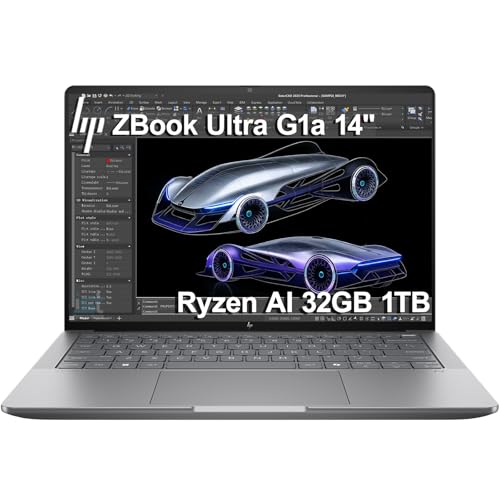
3D professionals often work on the go. A slim, lightweight chassis with MIL-STD 810H durability, like the HP ZBook Ultra G1a, makes it easy to take your workstation to client meetings or job sites. Battery life and robust connectivity (Thunderbolt 4, USB-C, HDMI 2.1) are also key. For drawing and on-site design, see our best laptops for drawing article.
Final Thoughts
After evaluating these eight machines, we recommend the HP ZBook Firefly G11 16″ Laptop for professionals who need ISV-certified reliability and a perfect balance of power and portability, while the Acer Predator Helios Neo 16S AI Gaming Laptop is an excellent choice for those who want high-end desktop performance with a vivid OLED display and generous memory at a more accessible price point. Both are fully capable of handling your most demanding 3D modeling projects in 2026.
Frequently Asked Questions
What specifications do I need for 3D modeling on a laptop?
For smooth 3D modeling in 2026, prioritize a dedicated GPU with at least 4GB VRAM (preferably 8GB or more), a modern multi-core processor (i7/i9 or Ryzen 7/9), 16GB to 32GB of RAM, and a high-resolution display. ISV certification can ensure compatibility with professional CAD software.
Should I get a mobile workstation or a gaming laptop for 3D modeling?
Mobile workstations, such as the HP ZBook series, offer certified drivers and enterprise-grade support, making them ideal for engineering and industrial design. Gaming laptops, like the Acer Predator Helios Neo, provide raw power and often better value for creative professionals who don’t require certification. Both can handle most 3D tasks effectively.
Are renewed laptops reliable for 3D modeling?
Renewed laptops, like the Lenovo ThinkPad P15s Gen 2 from our list, can be a cost-effective option if they come with a solid warranty and a fresh Windows install. However, ensure the GPU and CPU specs meet your software requirements. For critical projects, a new workstation with up-to-date components may be a safer bet.