To calibrate a digital bathroom scale, you need to reset its internal mechanism so it reads zero accurately when no weight is applied. Start by placing the scale on a hard, flat surface. Turn it on and wait for it to display zero. If it does not show zero, press the calibration button (often labeled “CAL” or “Mode”) and follow the manufacturer’s instructions, which usually involve placing a known weight on the scale. This process ensures your scale provides consistent and reliable readings. Understanding how to calibrate a digital bathroom scale is essential for anyone who relies on accurate weight measurements for health or fitness tracking.
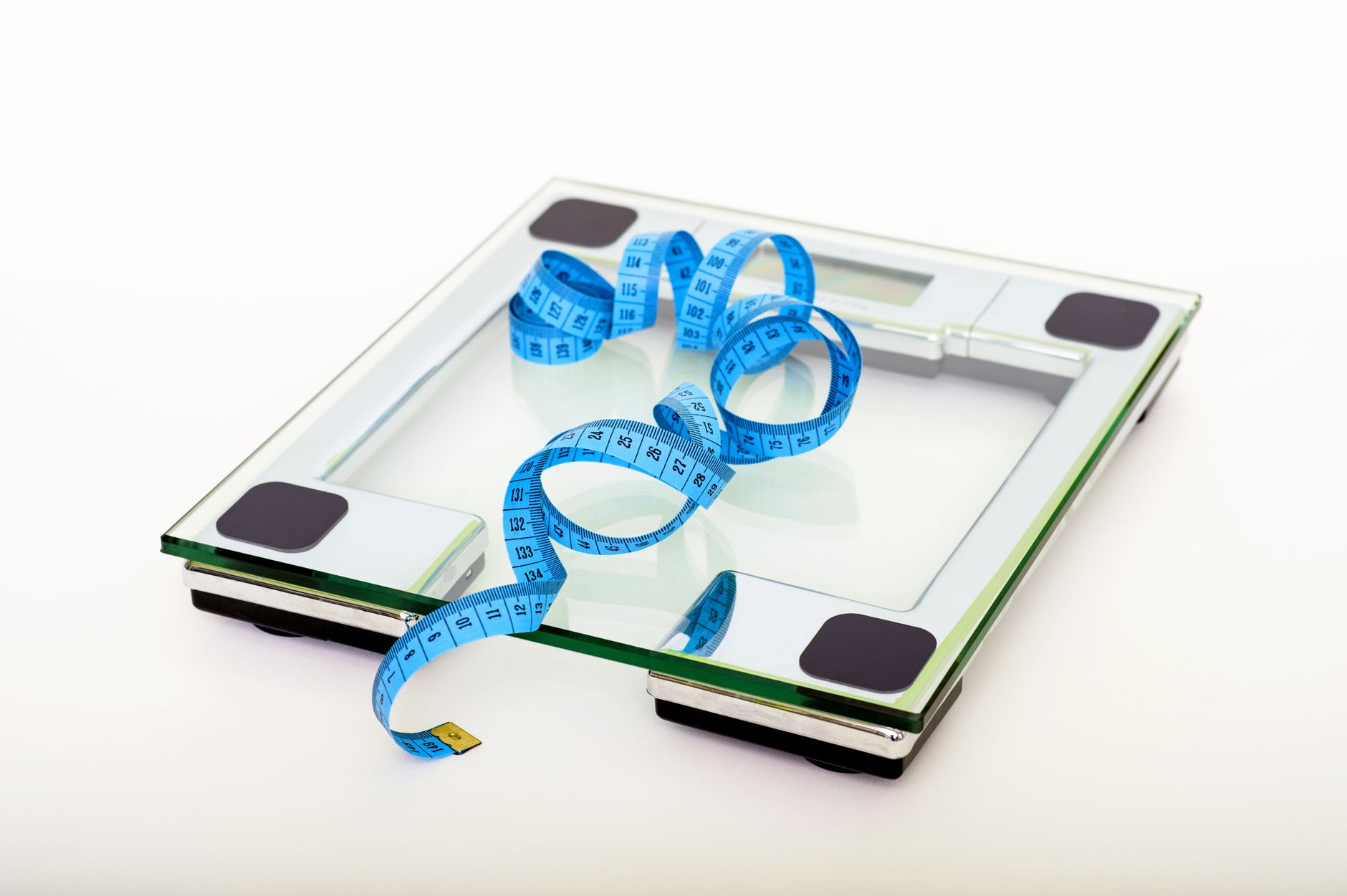
Why Calibration Matters for Your Digital Bathroom Scale
Digital bathroom scales use sensors called strain gauges to measure weight. Over time, these sensors can drift due to temperature changes, humidity, or physical shocks. Calibration realigns the sensor output to the true zero point, which prevents inaccurate readings.
Without proper calibration, your scale might show a different weight each time you step on it, even if your actual weight hasn’t changed. This can be frustrating and undermine your trust in the device. Regular calibration helps maintain accuracy and prolongs the life of your scale.
Common Reasons Your Digital Bathroom Scale Loses Calibration
Several everyday factors can cause your digital bathroom scale to lose its calibration. The most common cause is moving the scale from one spot to another, especially if it is picked up or dropped. Even a slight bump can shift the internal components.
Temperature extremes are another culprit. If your scale is stored in a cold bathroom or near a heat source, the electronic components can expand or contract, affecting accuracy. Humidity can also cause moisture to seep into the scale’s electronics, leading to erratic readings.
Finally, simply using the scale over time can cause wear and tear on the sensors. Most digital scales are designed to be calibrated periodically, but many users never do this, leading to gradual inaccuracy.
Step-by-Step: How to Calibrate a Digital Bathroom Scale
Calibrating your digital bathroom scale is a straightforward process, but the exact steps can vary by brand and model. Always start by consulting your scale’s user manual for specific instructions. However, most scales follow a similar procedure.
First, place the scale on a hard, level surface. Carpet or uneven flooring can interfere with calibration. Turn the scale on and wait for it to display zero. If it does not, look for a calibration button, often labeled “CAL,” “Mode,” or “Set.” Press and hold this button until the display shows a flashing number or “CAL.” Then, place a known weight, such as a dumbbell or a bag of sugar, on the scale. The scale will automatically adjust to match the known weight. Once the reading stabilizes, remove the weight, and the scale should return to zero. This completes the calibration.
If your scale does not have a dedicated calibration button, you can often reset it by removing the batteries, waiting a few minutes, and reinserting them. This can sometimes restore the default calibration settings. After resetting, test the scale with a known weight to verify accuracy.
What to Do If Your Scale Still Won’t Calibrate
If you have followed the calibration steps and your scale still shows inconsistent readings, the problem may be beyond simple calibration. First, check the batteries. Low battery voltage can cause erratic sensor behavior. Replace the batteries with fresh ones and try again.
Next, inspect the scale’s surface and feet for dirt or debris. Clean the scale with a damp cloth and ensure the feet are clean and undamaged. If the scale has been dropped or exposed to moisture, internal damage may be permanent. In that case, replacing the scale might be more cost-effective than attempting repairs.
Finally, consider the surface you are using. Even a slightly uneven floor can affect readings. Try moving the scale to a different location, such as a tiled bathroom floor or a hardwood floor, to see if that resolves the issue.
How to Fix Inaccurate Readings on Your Digital Bathroom Scale
- Place the scale on a hard, flat surface to eliminate floor unevenness.
- Replace the batteries with fresh ones to ensure stable power.
- Clean the scale’s surface and feet to remove dirt or debris.
- Reset the scale by removing batteries for a few minutes, then reinserting them.
- Perform a manual calibration using a known weight if your scale supports it.
If these steps do not resolve the issue, you may need to consider that the scale’s sensors are damaged.
Frequently Asked Questions
How often should I calibrate my digital bathroom scale?
It is a good practice to calibrate your scale every time you move it to a new location, or at least once a month if you use it daily. Regular calibration helps maintain accuracy over time.
Can I calibrate my scale without a known weight?
Most digital scales require a known weight for accurate calibration. If you do not have a calibration weight, you can use a household item with a labeled weight, such as a bag of flour or a dumbbell, but ensure it is accurate.
Why does my scale show different weights when I move it?
Moving the scale can shift its internal components, causing calibration drift. Always recalibrate after moving the scale to a new spot to ensure consistent readings.
What does it mean if my scale displays “Err” or “Lo”?
“Err” typically indicates an error, such as overloading or sensor failure. “Lo” means low battery. Replace the batteries first, and if the error persists, the scale may need repair or replacement.
Related Guides
- Where to Place a Bathroom Scale for Accurate Reading
- Digital Scale Keeps Changing Weight
- Digital Scale Not Accurate
Final Thoughts
Calibrating your digital bathroom scale is a simple but essential step to ensure accurate weight readings. By following the steps outlined above, you can maintain your scale’s reliability.