If your bathroom scale is giving different readings, the most likely cause is an uneven floor surface, low battery, or how you’re standing on the scale. These factors can shift the weight sensors and produce inconsistent numbers. Understanding these triggers helps you troubleshoot quickly and get reliable measurements every time.
Uneven Floor Surface
A bathroom scale relies on four contact points with the floor to measure weight accurately. If your floor is tiled, carpeted, or slightly uneven, one or more of those points may not make full contact. This causes the scale to register a different weight each time you step on it.
Hard floors like tile or hardwood are usually fine, but soft surfaces like carpet or vinyl can compress under the scale’s feet. Even a small tilt of a few millimeters can throw off the reading by several pounds. Place your scale on a flat, rigid surface and check it with a level if needed.
Low or Dying Battery
Digital bathroom scales use sensors that require a steady electrical current to function correctly. When the battery gets low, the voltage drops, and the sensors may deliver erratic readings. You might see numbers that jump up and down or a scale that turns off mid-weigh.
Replace the battery with a fresh one, even if the scale’s display still lights up. Low battery symptoms often appear before the scale stops working entirely. This is one of the easiest fixes and should be your second check after the floor surface.
How You Stand on the Scale
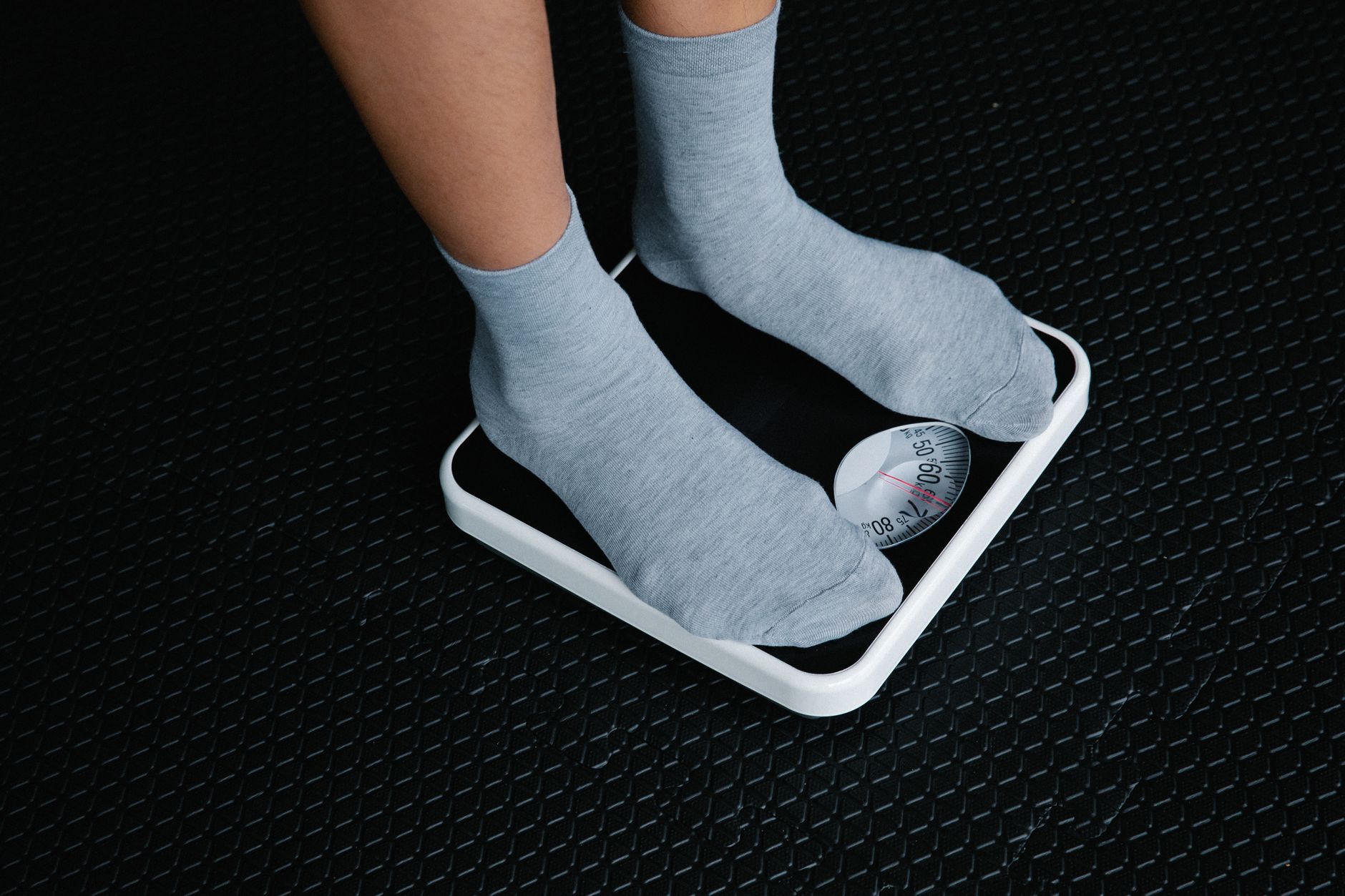
The way you position your feet directly affects the reading. Leaning forward, shifting weight to one foot, or standing off-center can cause the sensors to measure an uneven load. This is a common reason for a bathroom scale giving different readings within seconds.
Stand still with your feet evenly spaced and centered on the platform. Wait for the number to stabilize before stepping off. Some scales also require you to step on, wait for it to zero, then step off before the actual weigh-in, so check your model’s instructions.
Scale Placement and Movement
Moving your scale between weigh-ins, or even bumping it slightly, can reset its internal calibration. Many digital scales auto-calibrate when you first step on, but if the scale is moved or stored on its side, that calibration can drift. You may get a different number simply because the scale was repositioned.
Keep your scale in the same spot on the same floor surface. If you must move it, let it sit for a few seconds on the new surface before stepping on. Some scales have a manual calibration mode, but most modern ones adjust automatically if left undisturbed.
Temperature and Humidity Changes
Extreme temperature shifts or high humidity can affect the electronic components inside a digital scale. If your bathroom gets steamy from a shower or cold from an open window, the scale’s sensors may respond differently. This can cause a bathroom scale giving different readings at different times of day.
Let the scale acclimate to the room temperature for at least 30 minutes before using it. Avoid storing it in direct sunlight or near a heat vent. While this factor is less common than floor or battery issues, it’s worth considering if the problem persists after fixing the obvious causes.
Scale Wear and Tear or Defect
Over time, the internal springs, sensors, or circuit board in a scale can degrade. Dropping the scale, stepping on it with excessive force, or simply years of use can cause permanent damage. A defective scale will give inconsistent readings no matter what you try.
If you’ve ruled out floor surface, battery, standing position, movement, and temperature, the scale itself may be faulty. Test it with a known weight, like a dumbbell or a bag of flour, to see if the reading matches. If it doesn’t, replacement is the only reliable fix.
How to Fix a Bathroom Scale That Gives Different Readings
- Place the scale on a flat, hard floor surface and check for wobble.
- Replace the battery with a fresh one, even if the display still works.
- Stand centered and still, with weight evenly distributed on both feet.
- Keep the scale in one location and avoid moving it between weigh-ins.
- Let the scale adjust to room temperature before use, especially after a shower.
- Test the scale with a known weight to confirm if it’s defective.
If you’ve tried these fixes and the scale still isn’t consistent, it may be time to look for a replacement. For a detailed guide on choosing a reliable model, check out our Health & Household category page for relevant reviews.
Frequently Asked Questions
Why does my scale give a different reading if I step on it twice in a row?
This usually happens because the scale hasn’t zeroed out between weigh-ins. Step off, wait for the display to show zero, then step back on. If it still varies, check the floor surface or battery.
Can body fat scales give inaccurate weight readings too?
Yes, body fat scales measure weight using the same sensors as standard scales. Inconsistent readings can come from the same causes: floor surface, battery, and standing position. The body fat measurement adds another layer of potential error from hydration levels.
Should I weigh myself at the same time every day?
Weighing at the same time, typically in the morning after using the bathroom, helps reduce variables like food and water intake. However, the scale itself should still give consistent readings regardless of when you use it. If it doesn’t, the issue is with the scale, not your timing.
How often should I replace the battery in my digital scale?
Most digital scale batteries last 6 to 12 months with regular use. Replace the battery at the first sign of erratic readings or a low battery indicator. Using a high-quality alkaline battery can improve consistency.
Related Guides
- How to Calibrate a Digital Bathroom Scale
- Where to Place a Bathroom Scale for Accurate Reading
- Digital Scale Keeps Changing Weight
Closing Thoughts
A bathroom scale giving different readings is almost always a fixable issue, not a sign that you need an expensive new device. Start with the floor and battery, then check your standing position. For more troubleshooting tips on home devices, see our Blog category page for related guides.