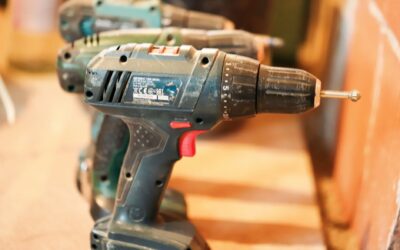
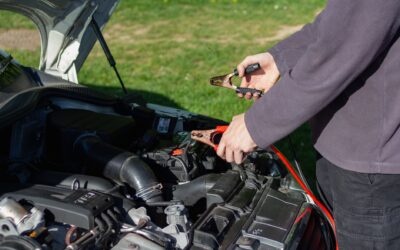
If your power tool battery says fully charged but not working, the most likely cause is a failed battery cell or a malfunctioning battery management system (BMS). A charger can falsely indicate a full charge when it only reaches surface voltage, not true capacity. You may also have a loose connection, corroded terminals, or a tool that draws more current than the battery can deliver. This guide walks you through the real reasons and what you can try before replacing the battery.
Dead or Imbalanced Battery Cells
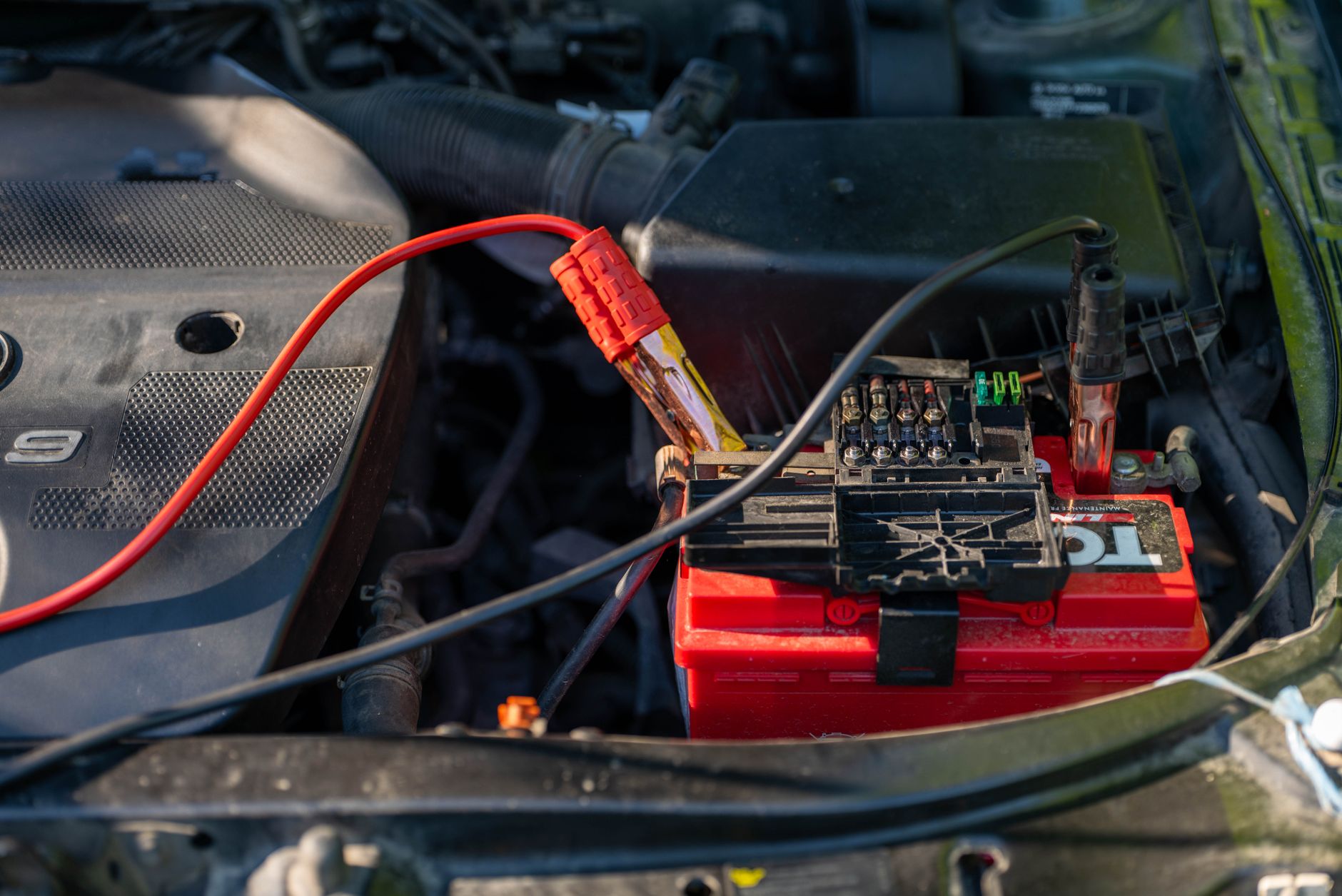
Inside every power tool battery pack, multiple cells are wired in series. If one cell fails or drops to a much lower voltage than the others, the pack can still show a full charge on the charger because the charger only measures total voltage. But under load, the weak cell collapses, and the tool gets no usable power.
You can test this with a multimeter. Measure voltage across the entire pack when it’s fully charged and resting. Then measure each cell group individually if you can access them. A difference of more than 0.2 volts between cells often indicates an imbalance or a dead cell.
Faulty Battery Management System (BMS)
The BMS is the circuit board inside the battery that protects against overcharge, overdischarge, and short circuits. If the BMS fails, it may incorrectly report the battery as fully charged while preventing any current from flowing to the tool. This is common after a deep discharge or physical impact.
Sometimes the BMS can be reset by leaving the battery off the charger for several hours, then reconnecting it. But if the BMS is physically damaged, the battery will need professional repair or replacement.
Charger Malfunction
A charger that stops charging prematurely can leave the battery at a surface charge that reads fully charged on a voltmeter but provides no real capacity. This often happens when the charger’s voltage sensing circuit drifts or when the charger is not designed for your specific battery chemistry.
Try charging the battery with a known good charger from the same brand and voltage. If the battery works after that, the original charger is the culprit. Also check the charger’s output voltage with a multimeter while it’s plugged in and idle.
Corroded or Loose Connections
Corrosion on the battery terminals or inside the tool’s battery slot creates resistance that prevents current flow. The battery may show full voltage when not under load, but the connection can’t handle the amperage needed to run the tool.
Inspect the metal contacts on both the battery and the tool. Clean them with a small wire brush or isopropyl alcohol. Also check for bent or broken pins in the tool’s battery bay. A simple cleaning often restores function.
Temperature Extremes
Lithium-ion batteries have a built-in temperature sensor that shuts down the battery if it’s too hot or too cold. If you’ve left the battery in a hot car or a freezing garage, it may report a full charge but refuse to discharge until it reaches a safe temperature range.
Let the battery sit at room temperature for a few hours. If it was hot, cool it down gradually. Do not try to force the battery by heating or cooling it artificially, as that can damage the cells permanently.
Tool Malfunction
Sometimes the battery is fine, but the tool itself has an internal fault. A seized motor, a stuck trigger switch, or a shorted wire can prevent the tool from running even with a fully charged battery. Test the battery on another compatible tool to isolate the problem.
If the battery works on another tool, you know the issue is in the original tool. If it doesn’t work on any tool, the battery is likely the problem.
How to Fix a Power Tool Battery That Says Fully Charged but Not Working
- Test the battery voltage at rest and under a light load (like a headlight bulb) to see if it drops significantly.
- Check and clean all battery and tool contacts with a contact cleaner or fine sandpaper.
- Let the battery sit off the charger for 24 hours to reset the BMS, then recharge.
- Try a different charger from the same brand to rule out charger failure.
- Test the battery on another tool to check for tool-specific issues.
- If you have access to a multimeter, measure individual cell groups inside the pack for imbalance.
If none of these steps restore power, the battery likely has a failed cell or a permanently damaged BMS. In that case, replacement is usually more cost-effective than repair.
Frequently Asked Questions
Can a power tool battery show full voltage but still be dead?
Yes. A battery can show full voltage when not under load but drop to zero as soon as current is drawn. This is called a surface charge and indicates a bad cell or BMS issue.
How do I test a power tool battery with a multimeter?
Set the multimeter to DC voltage. Measure the pack’s total voltage when fully charged and resting. Then measure each cell group if accessible. A healthy pack should hold near its rated voltage and have less than 0.2V difference between cells.
Can a dead cell be revived in a power tool battery?
Rarely. Lithium-ion cells that have dropped below their minimum safe voltage (usually 2.5V) are often permanently damaged. Attempting to force charge them can be dangerous. Replacement is safer.
Why does my power tool battery charge fully but only run for a few seconds?
This usually means one or more cells have high internal resistance. The battery shows full voltage but cannot deliver the current needed to keep the tool running. The pack is failing and should be replaced.
Is it safe to open a power tool battery to check cells?
Only if you have experience with lithium-ion batteries and proper tools. The cells can short circuit and catch fire if mishandled. If you’re not confident, take the battery to a professional or replace it.
Related Guides
Final Thoughts
When your power tool battery says fully charged but not working, the issue is almost always a bad cell, BMS fault, or charger problem. Start with the simplest fixes like cleaning contacts and testing on another tool. If the battery still won’t run, it’s time to replace it.