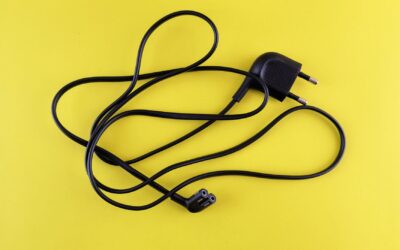
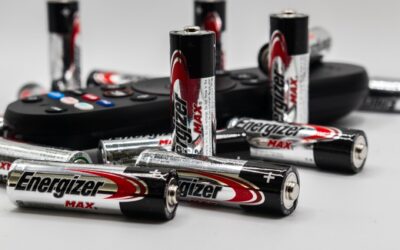
If your cordless drill battery is not charging, the most likely culprits are a depleted battery that has entered a deep discharge protection mode, a faulty charger, or corrosion on the battery terminals. Other common causes include an old battery that has reached the end of its lifespan, exposure to extreme temperatures, or a simple connection issue. Understanding which problem you are facing is the first step to getting your drill running again.
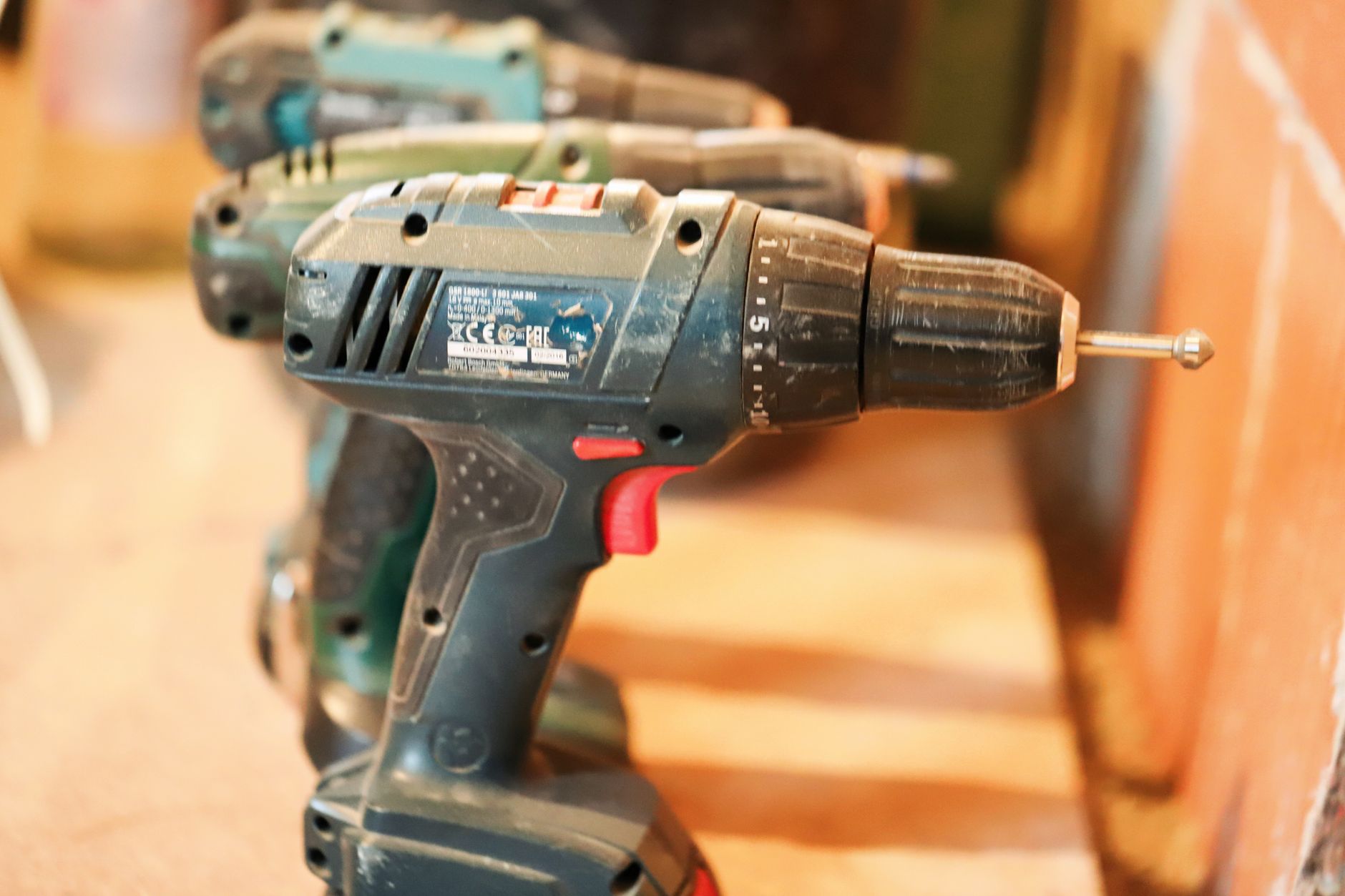
Deep Discharge Protection Mode
Lithium-ion batteries, which power most modern cordless drills, have a built-in protection circuit. If the battery is drained completely, this circuit can trip and prevent the battery from accepting a charge. This is a safety feature to prevent damage or fire, but it can look like a dead battery to the user.
To revive a battery in deep discharge protection, try leaving it on the charger for an extended period, sometimes up to 24 hours. Some chargers have a recovery mode that can reset the protection circuit. If this does not work, the battery may need a specialized charger or professional service.
Faulty or Incompatible Charger
Not all chargers are created equal, and a charger that is not functioning correctly is a common reason your cordless drill battery is not charging. Check the charger’s indicator light; a solid green light usually means the battery is charged, while a flashing light can indicate a fault. If the charger has no lights at all, it may be dead.
Try charging a different battery on the same charger, if you have one. If that battery charges fine, the issue is with the original battery. If no battery charges, the charger is likely the problem. Also, ensure the charger is compatible with your battery’s voltage and chemistry, as using the wrong charger can prevent charging.
Corroded or Dirty Battery Terminals
Corrosion or dirt on the metal terminals of the battery or charger can interrupt the electrical connection. This is especially common if the drill is used in dusty environments or stored in a damp location. The terminals may appear white, green, or powdery.
Clean the terminals with a dry cloth or a small brush. For stubborn corrosion, use a mixture of baking soda and water applied with a cotton swab, then dry thoroughly. Ensure the charger’s contacts are also clean. This simple fix can often restore charging capability.
Old or Worn Out Battery
All rechargeable batteries have a limited lifespan, typically measured in charge cycles. After a few hundred cycles, the battery’s internal chemistry degrades, and it can no longer hold a charge. If your battery is several years old and has seen heavy use, it may simply be worn out.
Signs of a worn battery include reduced runtime even when it does charge, swelling of the battery case, or the battery getting unusually hot during use. If the battery is physically swollen, stop using it immediately and dispose of it properly, as it poses a fire risk.
Extreme Temperature Exposure
Lithium-ion batteries are sensitive to temperature extremes. Charging a battery that is too hot or too cold can damage it or prevent charging altogether. Many chargers have temperature sensors that will refuse to charge a battery outside of a safe range, typically between 32°F (0°C) and 113°F (45°C).
If your battery was left in a hot car or a freezing garage, let it return to room temperature before attempting to charge it. This can take an hour or more. Once the battery is at a normal temperature, try charging it again.
Internal Battery Management System (BMS) Failure
The battery management system (BMS) is the electronic circuit inside the battery that controls charging and discharging. If the BMS fails, the battery may not communicate properly with the charger, leading to a no-charge condition. This is less common but can happen due to a manufacturing defect or physical damage.
Unfortunately, a failed BMS often means the battery is not repairable by the average user. You may be able to replace the BMS board if you have soldering skills and the correct replacement part, but for most people, replacing the battery is the most practical solution.
How to Fix a Cordless Drill Battery That Won’t Charge
- Check the charger: plug it into a known working outlet and look for indicator lights. Test with another battery if possible.
- Clean battery and charger terminals with a dry cloth or baking soda paste to remove corrosion.
- Allow the battery to return to room temperature if it was exposed to extreme heat or cold.
- Try leaving the battery on the charger for up to 24 hours to reset deep discharge protection.
- If the battery is swollen, old, or shows no signs of life after these steps, it likely needs replacement.
Frequently Asked Questions
Can a dead cordless drill battery be revived?
Yes, if the battery is in deep discharge protection mode, it can often be revived by leaving it on the charger for an extended period. If the battery is old or has a failed BMS, revival is unlikely without professional repair.
Why is my drill battery blinking red on the charger?
A blinking red light typically indicates a fault, such as the battery being too hot or too cold, a bad connection, or a defective battery. Consult your charger’s manual for specific error codes, as meanings vary by brand.
How long should a cordless drill battery last?
Most lithium-ion drill batteries last for 300 to 500 full charge cycles before their capacity noticeably declines. This translates to 2 to 5 years of regular use, depending on how often the drill is used and how well the battery is maintained.
Can I use a higher voltage charger to charge my drill battery faster?
No, you should never use a charger with a higher voltage than the battery is rated for. Doing so can damage the battery, cause overheating, and create a fire hazard. Always use the charger that came with your drill or a compatible replacement.
Is it safe to leave a cordless drill battery on the charger all the time?
Modern chargers are designed to stop charging once the battery is full, so leaving it on the charger for a day or two is generally safe. However, leaving it plugged in for weeks or months can stress the battery and shorten its lifespan over time.
Related Guides
Final Thoughts
When your cordless drill battery is not charging, the issue usually comes down to a few fixable problems like a deep discharge, dirty terminals, or a faulty charger. If you have tried the steps above and the battery still will not charge, it may be time for a replacement.