If your TV remote is not working but the batteries are new, the issue is almost always something other than battery power. The problem could be dirty battery contacts, a blocked infrared sensor, a lost pairing, or even a stuck button. Before you buy a new remote, a few simple checks can often get it working again. Here is exactly what to look for and how to fix it.
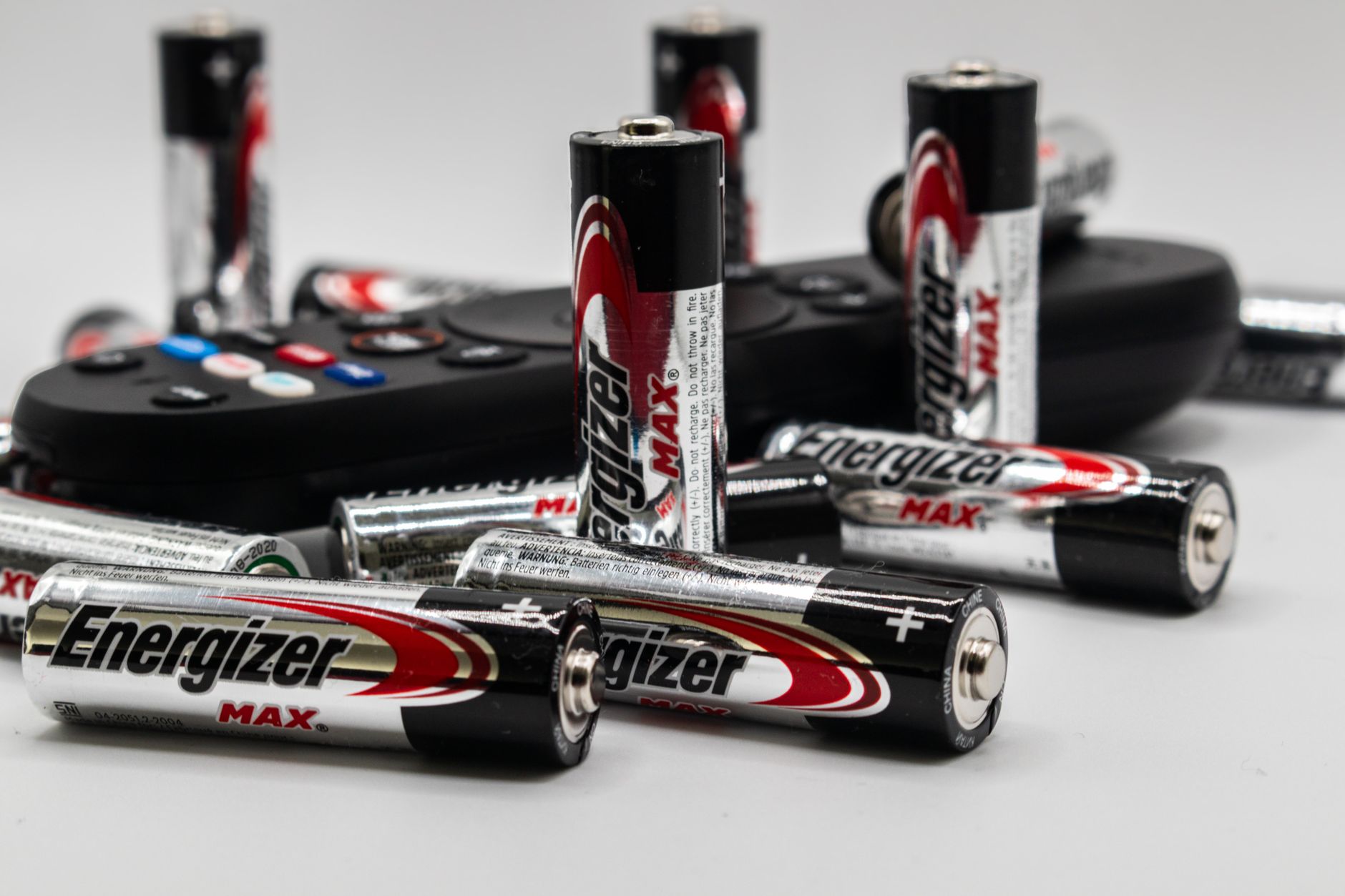
Dirty or Corroded Battery Contacts
Even with fresh batteries, the metal contacts inside the remote can develop a thin layer of corrosion or grime. This film blocks the electrical connection, so the remote gets no power. Look at the springs and terminals inside the battery compartment. If you see white, green, or brown residue, that is the culprit.
To fix it, remove the batteries and rub the contacts gently with a dry cloth or a pencil eraser. For stubborn corrosion, use a cotton swab dipped in a tiny amount of white vinegar or isopropyl alcohol, then dry thoroughly. After cleaning, reinsert the new batteries and test the remote.
Infrared Sensor Obstruction or Damage
Most TV remotes use infrared (IR) light to send commands. If the sensor on the TV or the emitter on the remote is blocked, the signal never reaches the TV. Check for dust, stickers, or objects in front of the TV’s IR window. Also examine the remote’s front: a cracked or cloudy lens can scatter the light.
Try moving closer and pointing the remote directly at the TV. If it works at a very short distance but not across the room, the IR signal is weak. Clean both surfaces with a soft, lint-free cloth. Avoid placing the TV inside a cabinet with closed doors, as glass blocks IR signals.
Remote Needs to Be Re-Paired to the TV
Some modern remotes use Bluetooth or RF instead of IR, especially on smart TVs. These remotes pair wirelessly, and the pairing can sometimes break after a power outage or battery change. If your remote has a pairing button (often under the battery cover or on the back), press and hold it while pointing at the TV.
Alternatively, consult your TV’s manual for the re-pairing sequence. Many TVs have a menu option under Settings > Remote & Accessories to initiate pairing. If the remote still doesn’t respond, try restarting both the TV and the remote by removing the batteries for 30 seconds.
Stuck or Malfunctioning Buttons
A single button that is physically stuck in the pressed position can drain the remote’s logic or send a constant signal that overrides all other commands. This often happens after a spill or if the remote has been dropped. Inspect each button for visible debris or stickiness.
To test, remove the batteries and press every button firmly several times. This can dislodge a stuck membrane. If you suspect a sticky residue, wipe the button surface with a damp (not wet) cloth and let it dry fully before reinserting batteries. If a button feels loose or doesn’t click, the dome switch underneath may be broken.
Internal Component Failure
Remotes are simple devices, but they can fail internally. A cracked circuit board, a broken solder joint, or a dead capacitor can stop the remote from working even with perfect batteries. These failures are often caused by a drop, moisture, or age. Unfortunately, internal damage is rarely repairable at home.
You can confirm an internal failure by testing the remote with a smartphone camera. Open the camera app, point the remote’s emitter at the lens, and press any button. If you see a flickering light on the phone screen, the remote is sending a signal. If no light appears, the remote is likely dead.
Interference from Other Devices
Bluetooth and RF remotes can suffer interference from other wireless devices nearby. Cordless phones, Wi-Fi routers, baby monitors, and even some LED lights operate on similar frequencies. This interference can cause intermittent or complete loss of function.
Try moving the TV or the interfering device a few feet apart. Turn off nearby electronics one by one to see if the remote starts working. If the remote works only after you move a specific device, that device is the source. For permanent interference, consider using a universal remote that operates on a different frequency.
How to Fix a TV Remote That Isn’t Working with New Batteries
- Clean the battery contacts with a dry cloth or eraser.
- Check the TV’s IR sensor for dust or obstructions.
- Re-pair the remote using the TV’s settings menu or a pairing button.
- Inspect and press every button to free any stuck keys.
- Test the remote with a smartphone camera to see if it emits IR light.
- Move potential wireless interference away from the TV and remote.
If none of these steps work, the remote itself is likely broken and needs replacement. For more general troubleshooting tips on household electronics, you can browse our blog for related guides.
Frequently Asked Questions
Why does my remote work intermittently even with new batteries?
Intermittent operation usually points to a loose connection inside the remote or a weak IR signal. Dirty contacts, a faulty battery spring, or a dying capacitor can cause the remote to work sometimes and fail other times. Try cleaning the contacts and pressing the battery firmly into place.
Can a dead TV infrared receiver cause the remote to stop working?
Yes. If the IR receiver on the TV itself fails, the remote will appear dead even though it is transmitting correctly. You can test this by using a universal remote or a smartphone IR blaster app. If those also fail, the TV’s receiver is the problem, and a repair may be needed.
How do I reset my TV remote?
Most remotes reset by removing the batteries and holding down the power button for 10 to 15 seconds. This drains any residual charge and clears temporary memory. After that, reinsert the batteries and try pairing again. Some models have a dedicated reset pinhole you can press with a paperclip.
Is it worth replacing the remote or buying a universal remote?
If the original remote is broken and a replacement costs more than a universal remote, a universal remote is a good option. Universal remotes can control multiple devices and often have better range. Just make sure the universal model is compatible with your TV brand and supports all the functions you use.
Related Guides
- Soundbar Not Working With Tv?
- TV Has Picture But No Sound
- Why Is My TV Screen Black But Has Sound?
- Best TV for the Money in
Closing
When your TV remote stops working despite fresh batteries, the cause is usually a simple issue like dirty contacts or a blocked sensor, not a dead battery. By working through the checks above, you can often fix it yourself in minutes. For more detailed troubleshooting on related home electronics, explore our other guides on the site.