If your digital scale is not accurate, the most likely cause is a need for recalibration, an uneven surface, or low battery power. Digital scales rely on precise sensors that can drift over time or be thrown off by environmental factors. Before assuming the scale is broken, check these common issues first.
Calibration Drift
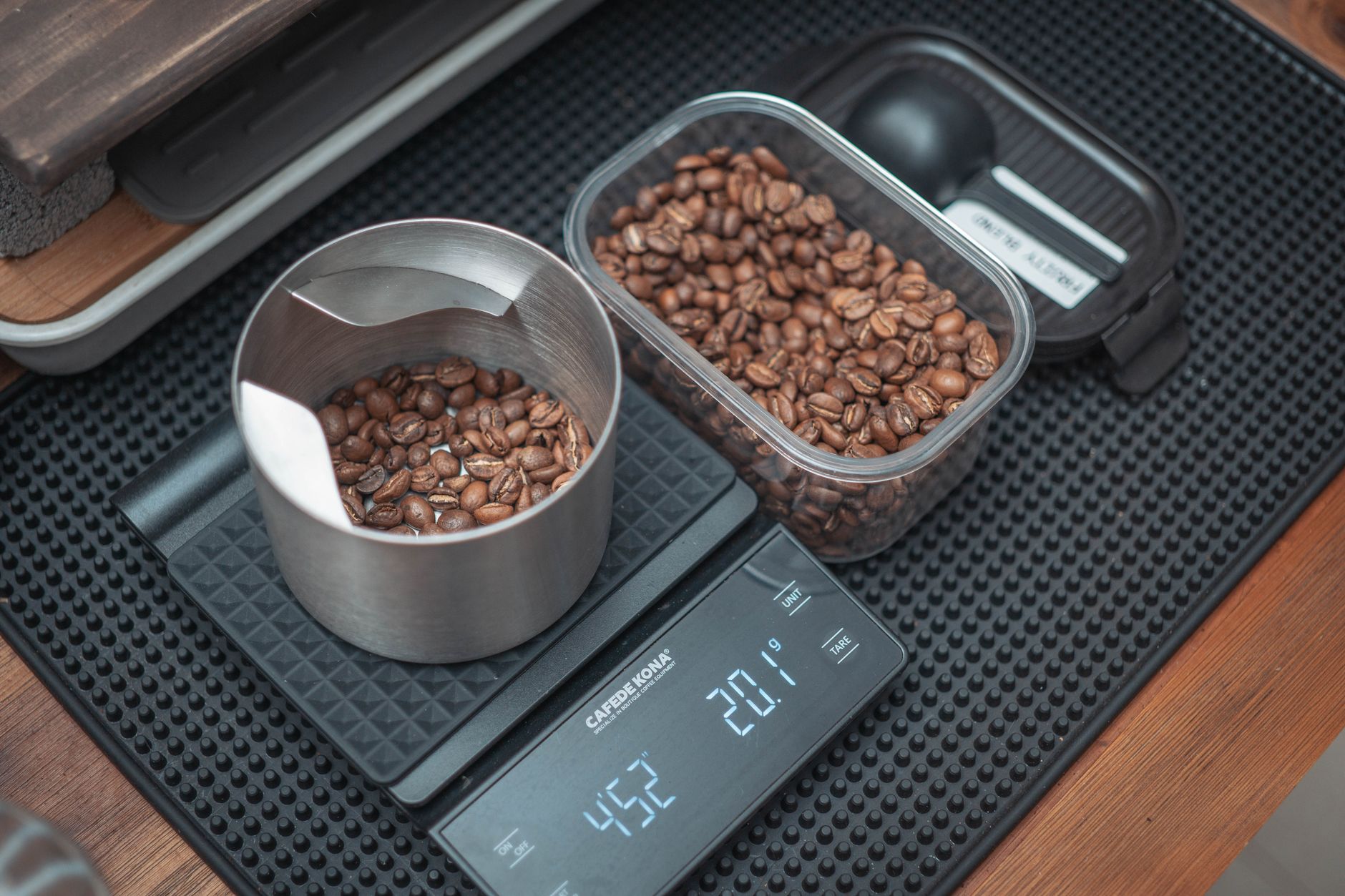
Digital scales use load cells that can lose calibration after repeated use or temperature changes. Most scales have a calibration mode that lets you reset them using a known weight. If you do not have a calibration weight, a standard object like a 5-pound bag of flour can work, though it is less precise.
Calibration drift is gradual, so you might not notice it until you compare readings on another scale. A scale that consistently reads high or low by the same amount likely needs recalibration, not replacement.
Uneven or Soft Surface
A digital scale must sit on a hard, flat surface to give accurate readings. Carpet, tile grout lines, or a slightly warped countertop can cause the load cells to register uneven pressure. Even a few millimeters of tilt can produce a reading that is off by several pounds.
Always place your scale on a solid floor like hardwood, laminate, or concrete. Avoid bathroom mats or rugs, as their cushioning absorbs some of the weight and leads to lower readings.
Low Battery
As batteries drain, the voltage supplied to the scale’s sensors drops, causing erratic readings. A scale with a low battery may show a different weight each time you step on it, or it may flash an error code. Replace the batteries with fresh ones, ideally alkaline, and test the scale again.
Some scales have a low battery indicator, but not all do. If your scale has been in use for more than a year, swapping the batteries is a quick first step before any other troubleshooting.
Temperature and Humidity Changes
Digital scales are sensitive to extreme temperatures and humidity. If you store your scale in a cold garage or a humid bathroom, the internal components can expand or contract, affecting accuracy. Allow the scale to acclimate to room temperature for at least 30 minutes before using it.
Humidity can also cause condensation inside the scale, which may short-circuit the electronics. Keep your scale in a dry, climate-controlled area when not in use.
Overloading or Impact Damage
Every digital scale has a maximum weight capacity. Exceeding that limit, even briefly, can permanently damage the load cells. Dropping the scale or stepping on it too forcefully can also cause internal damage that leads to inaccurate readings.
If your scale has been overloaded or dropped, recalibration might not fix the issue. In that case, the load cells may need professional repair or replacement.
Dirt or Debris Under the Scale
A layer of dust, hair, or small debris under the scale can prevent it from sitting flat. Even a tiny pebble can create a gap that throws off the sensors. Clean the bottom of the scale and the surface it sits on regularly with a dry cloth.
For scales with feet or pads, check that none are missing or worn unevenly. Worn feet can cause the scale to rock slightly, leading to inconsistent readings.
How to Fix a Digital Scale That Is Not Accurate
- Replace the batteries with fresh alkaline ones.
- Place the scale on a hard, flat surface.
- Recalibrate the scale using a known weight.
- Let the scale adjust to room temperature if it was stored in extreme conditions.
- Clean the bottom of the scale and its resting surface.
- Check for visible damage from overloading or drops.
If these steps do not restore accuracy, the scale may have a hardware defect that requires replacement. For more detailed guidance on selecting a reliable scale, you can explore our blog for related articles on home appliances and troubleshooting.
Frequently Asked Questions
Can a digital scale be recalibrated at home?
Yes, most digital scales have a calibration mode accessed by pressing a specific button sequence. You will need a known weight, like a calibration weight or a standard household object. Check your scale’s manual for exact steps.
Why does my digital scale give different readings each time?
Inconsistent readings usually indicate an uneven surface, low battery, or calibration drift. Standing on the scale in a slightly different position each time can also cause variations. Always stand still and centered on the scale.
How often should I calibrate my digital scale?
Calibrate your scale every few months or whenever you notice a change in readings. If you move the scale to a new location or change the batteries, recalibrate it as well. Frequent calibration ensures consistent accuracy.
Does temperature affect digital scale accuracy?
Yes, extreme heat or cold can cause the scale’s electronic components to expand or contract, leading to inaccurate readings. Allow the scale to reach room temperature before use, and store it in a stable environment.
Can a digital scale be repaired if it is damaged?
Minor issues like calibration drift or dirty contacts can be fixed at home. However, if the load cells are damaged from overloading or impact, repair is often not cost-effective, and replacement is recommended.
Related Guides
- How to Calibrate a Digital Bathroom Scale
- Where to Place a Bathroom Scale for Accurate Reading
- Digital Scale Keeps Changing Weight
Closing Thoughts
A digital scale that is not accurate is usually fixable with simple steps like recalibration, battery replacement, or surface adjustment. If these do not work, the scale may need to be replaced. For more tips on maintaining home tools and appliances, visit our blog.