A jigsaw cuts at an angle when the blade is not perpendicular to the base plate, the blade is bent or dull, the saw is moving too fast, or the workpiece is not supported properly. In most cases, the problem is a combination of blade flex, user pressure, and saw settings that can be corrected with a few adjustments. Understanding these causes will help you get straight cuts again without replacing your tool.
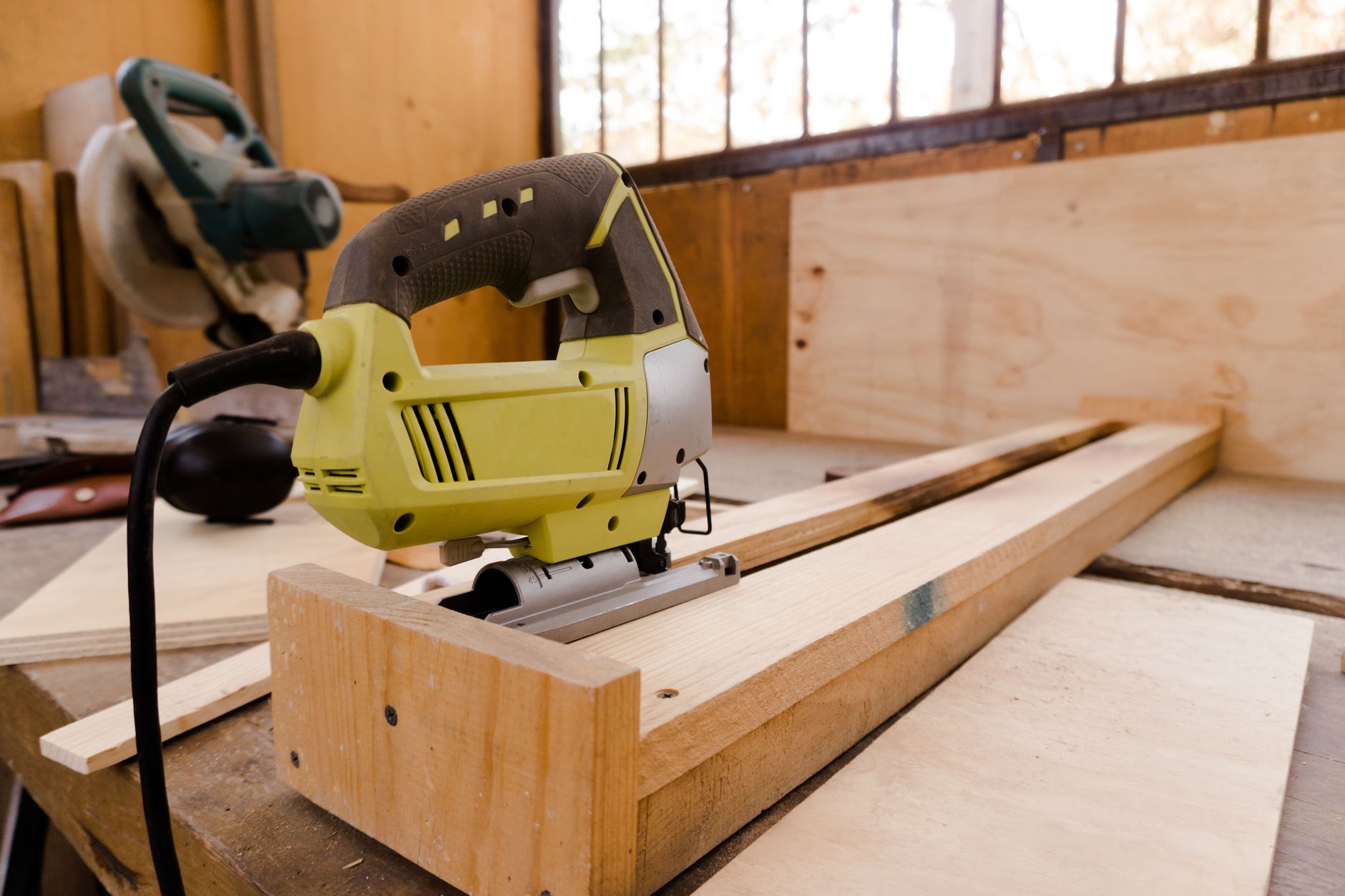
Blade Is Bent or Dull
A bent blade is the most common reason a jigsaw cuts at an angle. Even a slight bend from hitting a nail or from normal wear will cause the blade to wander sideways as it cuts, tilting the cut line. A dull blade also creates more friction, which can push the blade off course and produce angled cuts.
Inspect the blade by removing it and rolling it on a flat surface. If it wobbles or has visible damage, replace it immediately. Always use a sharp blade designed for the material you are cutting, and change blades regularly to maintain straight cuts.
Blade Is Not Installed Correctly
If the blade is not fully seated in the chuck or if the chuck is not tightened properly, the blade may tilt during operation. Many jigsaws have a locking mechanism that must click into place; a loose blade will wobble and cause angled cuts. Check the blade installation by gently pulling on it after tightening. If it moves at all, reseat it and tighten again.
Also verify that the blade is oriented correctly with the teeth facing forward. Some blades have an arrow on them indicating the cutting direction. Installing the blade backward will cause it to cut poorly and at an angle.
Base Plate Is Not Square to the Blade
Most jigsaws have an adjustable base plate that can be tilted for bevel cuts. If the base plate is not set to 0 degrees, the saw will cut at an angle even if the blade is straight. This is a common oversight after making a bevel cut and forgetting to return the base to the 90-degree position.
Use a square to check that the base plate is perpendicular to the blade. Adjust the base plate alignment screw or lever until the blade is at a true 90-degree angle to the base. This simple check often solves the problem immediately.
Applying Too Much Forward Pressure
Pushing the jigsaw too hard through the material forces the blade to flex, especially in thicker or denser materials like hardwood or metal. This flex causes the blade to tilt sideways and cut at an angle. The saw should do the work; you only need to guide it lightly.
If you feel you have to push hard to make progress, slow down the blade speed or use a more aggressive blade. Let the saw’s motion carry it forward. Forcing the saw will also burnish the blade and shorten its life.
Cutting Speed Is Too High
Running the jigsaw at maximum orbital action or at too high a speed for the material can cause the blade to vibrate and drift. Orbital action moves the blade in an oval pattern, which is great for fast cuts in softwood but can cause angled cuts in thin or hard materials. Reduce the orbital setting or blade speed to match the workpiece.
For metals and plastics, use a low orbital setting or none at all. For thick wood, use a moderate setting. Experiment on a scrap piece to find the speed that produces a straight cut without excessive vibration.
Workpiece Is Not Supported Properly
If the material you are cutting is not firmly supported, it can vibrate or shift during the cut, causing the blade to bind and tilt. This is especially common when cutting near the edge of a workbench or when cutting large sheets that overhang unsupported. The movement of the material forces the blade to cut at an angle.
Always support the workpiece close to the cut line with sawhorses or a workbench. Use clamps to hold it in place if necessary. A stable workpiece allows the blade to cut straight without deflection.
How to Fix a Jigsaw That Cuts at an Angle
- Replace any bent or dull blade with a sharp, straight blade matched to your material.
- Reseat the blade in the chuck, making sure it is fully locked and teeth face forward.
- Check the base plate alignment with a square and adjust it to 90 degrees.
- Reduce forward pressure and let the saw advance at its own pace.
- Lower the blade speed or orbital setting for the material you are cutting.
- Secure the workpiece with clamps and support it close to the cut line.
If you are still having trouble with straight cuts after trying these fixes, the issue might be the saw itself.
Related Guides
- Circular Saw Not Cutting Straight
- Why Does My Circular Saw Keep Stopping?
- Why Does My Miter Saw Not Cut Straight
- The Makita 5007F
- Best Jigsaw Puzzles for the Money in
Frequently Asked Questions
Can a dull blade cause a jigsaw to cut at an angle?
Yes, a dull blade creates more friction and requires more forward pressure, which makes the blade flex and wander. It is one of the most common causes of angled cuts. Replacing the blade often fixes the problem immediately.
Why does my jigsaw cut to the left or right?
A jigsaw that consistently cuts to one side usually has a bent blade or a blade that is not installed straight. It can also happen if the base plate is slightly tilted. Check the blade and base alignment first.
Does orbital action cause angled cuts?
Orbital action can cause angled cuts if used on materials that are too thin or too hard. The orbital motion increases blade vibration, which can tilt the cut. Reducing or turning off the orbital setting often solves the problem.
How do I check if my jigsaw base plate is square?
Use a carpenter’s square placed against the blade and the base plate. The blade should be perfectly perpendicular to the base. If not, adjust the base plate alignment screw until it is square.
Can cutting too fast cause angled cuts?
Yes, feeding the jigsaw too quickly forces the blade to flex, especially in thick materials. It also increases vibration. Let the saw cut at its own speed and use a blade appropriate for the material.
In summary, a jigsaw cuts at an angle most often because of a bent blade, improper blade installation, or a misaligned base plate. Start with these three checks, then adjust your technique and workpiece support.