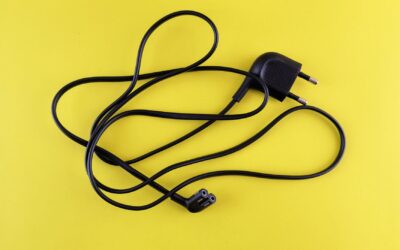
An electric blanket controller blinking typically means the blanket has entered a safety or standby mode, often due to a detected fault like overheating, a loose connection, or a timer function. This blinking light is the controller’s way of telling you something needs attention before it will resume normal heating. Understanding the specific cause can help you fix the issue quickly and safely, without needing to replace the entire blanket.
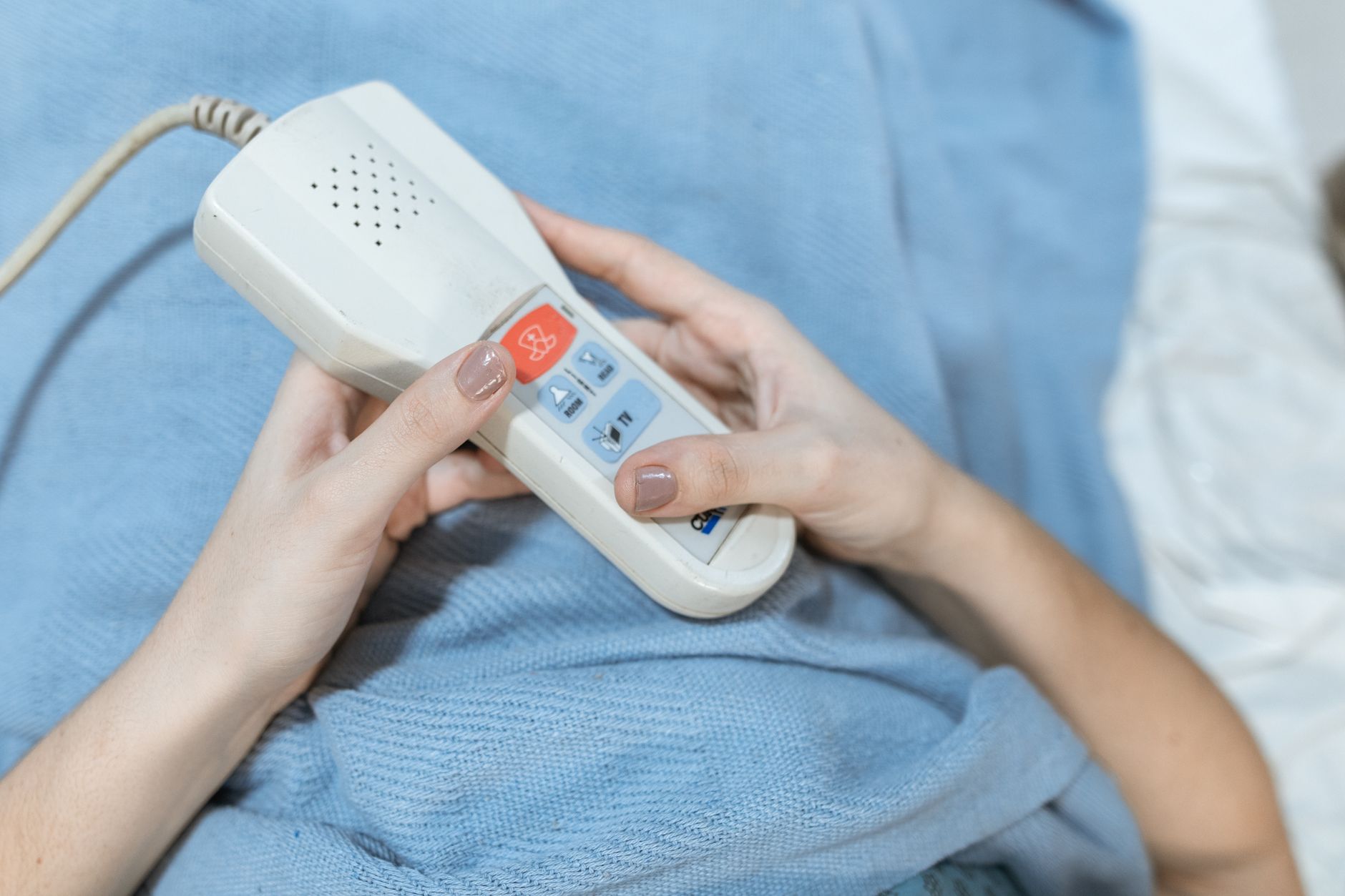
Overheating Protection Triggered
Most modern electric blankets include an automatic shutoff feature that activates if the internal temperature rises too high. When this safety mechanism is triggered, the controller will blink to indicate the blanket has stopped heating. This is a common occurrence if the blanket is folded, bunched up, or covered by another layer like a comforter or duvet.
To resolve this, unplug the blanket and allow it to cool down completely for at least 30 minutes. Once cooled, smooth out any folds or wrinkles, and ensure the blanket lies flat on the bed without being tucked under a mattress or piled with heavy bedding. After that, plug it back in and test the controller. If the blinking stops and the blanket heats normally, the issue was simply a temporary overheating event.
Loose or Faulty Connection Between Controller and Blanket
The connection point where the controller plugs into the blanket is a common failure point. If the plug is not fully inserted, or if the pins are bent or dirty, the controller may not receive a proper signal from the blanket’s heating elements. In this case, the controller blinks to indicate a communication error or a lack of power to the blanket.
First, unplug the controller from the wall outlet, then disconnect it from the blanket. Inspect the pins on both ends for any signs of damage, corrosion, or debris. Gently clean the contacts with a dry cloth and reconnect everything firmly, ensuring the plug clicks into place. If the pins are bent or broken, the controller or blanket may need replacement, as these parts are not typically user-serviceable.
Timer or Auto-Off Function Activated
Many electric blankets come with a built-in timer that automatically turns the blanket off after a set number of hours, often 2, 4, or 8 hours. When the timer expires, the controller will blink to show the blanket is in standby mode, waiting for you to restart it. This is a normal feature, not a malfunction.
Check your blanket’s manual to see if it has a timer function. If the blinking started after a period of normal use, try pressing the power or heat setting button to reset the timer. Some controllers require you to hold the button for a few seconds to restart the heating cycle. If the timer feature is not desired, you may be able to disable it through the controller settings, though this varies by model.
Internal Wiring or Heating Element Damage
Over time, the thin wires inside an electric blanket can break or short circuit, especially if the blanket has been washed improperly, folded repeatedly, or subjected to pets or sharp objects. When the controller detects a break in the heating circuit, it will blink to signal a fault and refuse to heat. This is a safety feature to prevent electrical hazards.
Unfortunately, internal wire damage is rarely repairable at home. If you suspect this is the cause, inspect the blanket for any visible signs of wear, such as frayed fabric, exposed wires, or burn marks. If you find any, stop using the blanket immediately. Most manufacturers recommend replacing the entire blanket if the internal wiring is compromised, as attempting a repair can be dangerous.
Power Supply Issues or Voltage Fluctuations
Sometimes the problem isn’t with the blanket or controller at all, but with the power source. A loose outlet, a tripped circuit breaker, or voltage fluctuations in your home can cause the controller to blink erratically or fail to power on correctly. This is more common in older homes or during storms.
Try plugging the blanket into a different outlet in another room to rule out a faulty socket. If the blinking stops, the original outlet may need inspection or replacement by an electrician. Also, avoid using extension cords or power strips with electric blankets, as they can reduce voltage and cause the controller to behave unpredictably.
How to Fix a Blinking Electric Blanket Controller
- Unplug the blanket and let it cool for 30 minutes to reset overheating protection.
- Check and clean the connection between the controller and the blanket, then reconnect firmly.
- Press the power or heat button to restart the blanket if the timer feature has turned it off.
- Inspect the blanket for visible damage like frayed wires or burn marks; replace if found.
- Test the blanket in a different wall outlet to rule out power supply issues.
If none of these steps resolve the blinking, the blanket or controller may have an internal fault that requires professional evaluation.
Frequently Asked Questions
Can I still use my electric blanket if the controller is blinking?
No, you should not use the blanket while the controller is blinking. The blinking light indicates a safety issue, such as overheating or a wiring fault, and using it could pose a fire or electric shock risk. Always resolve the cause first.
Why is my electric blanket controller blinking but not heating?
This usually means the blanket has detected a fault and has shut off power to the heating elements. Common causes include overheating, a loose connection, or a broken wire. The controller blinks as a warning that it will not heat until the issue is fixed.
How do I reset my electric blanket controller?
Most electric blankets reset by unplugging them from the wall outlet for 30 to 60 minutes. After that, plug it back in and press the power button. Some models may also have a dedicated reset button on the controller or on the blanket itself, but this is less common.
Can washing my electric blanket cause the controller to blink?
Yes, washing an electric blanket can damage internal wires or cause moisture to enter the controller connection, leading to a blinking light. Always follow the manufacturer’s washing instructions, and never submerge the controller in water. Allow the blanket to dry completely before using it.
Related Guides
Closing Thoughts
A blinking electric blanket controller is almost always a safety signal that something is wrong, not a random glitch. By checking the most common causes overheating, loose connections, timer settings, and power issues you can often resolve the problem yourself. For more troubleshooting guides on home appliances, check out our article on common drill problems and fixes.